
What a ransomware attack actually looks like for a 15-person company
Ransomware doesn't just hit big corporations. Here's how it unfolds for a typical small office.
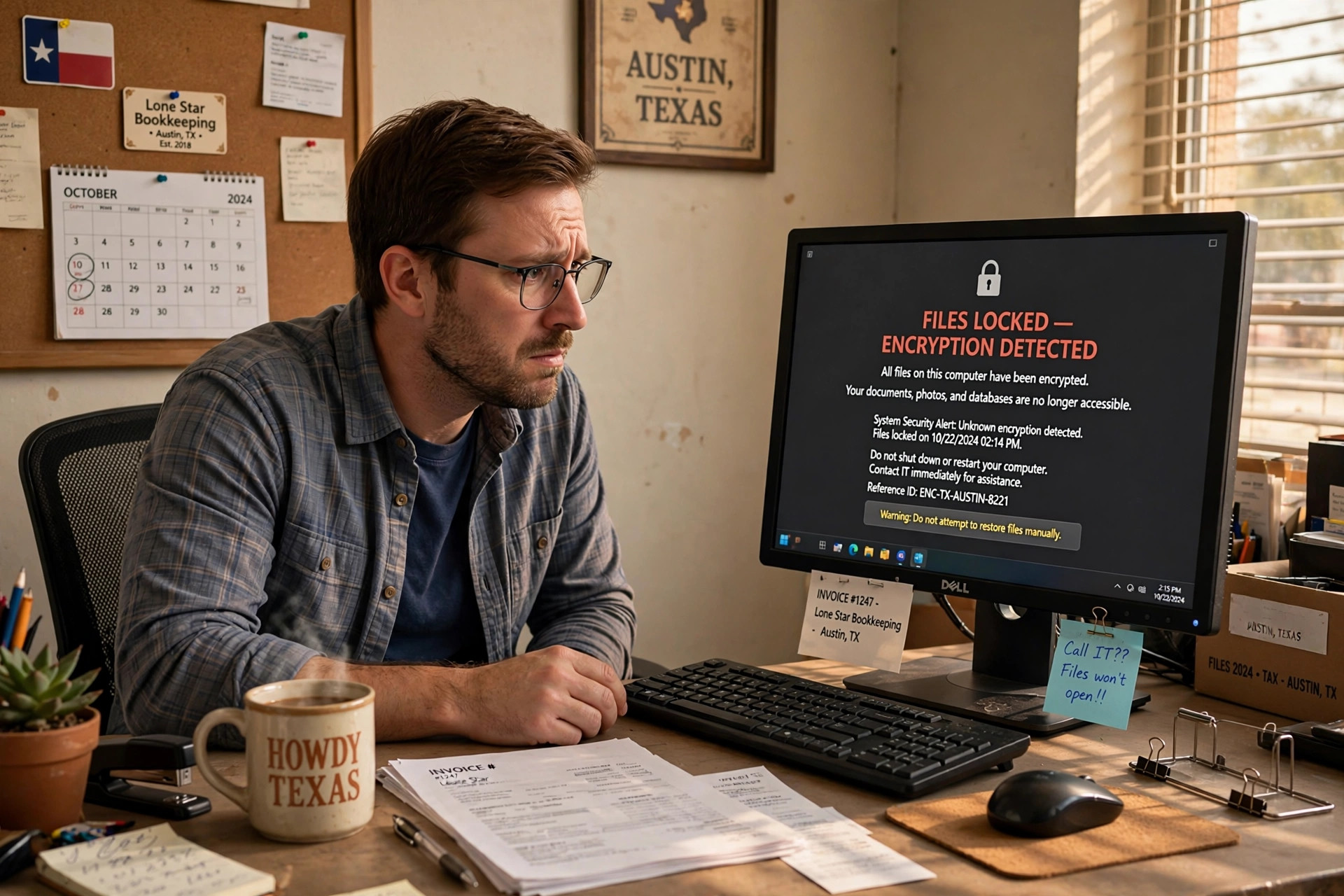
When most people hear “ransomware,” they picture a hospital or a city government on the evening news. But the attackers don’t care about headlines — they care about easy targets. And a 15-person office with no IT person is one of the easiest targets there is.
Here’s how it usually goes. This is a composite of real incidents, not one specific client.
Tuesday, 8:47 AM: one click
Your office manager opens an email that looks like it’s from a vendor — an invoice, a shipping notification, a “your account needs verification” message. It looks right. The logo’s right. She’s busy, so she clicks the attachment.
Nothing visibly happens. That’s the point.
The attachment installed a program that quietly started locking every file it could reach: documents on her computer, the shared drive everyone uses, the folder with all your client records.
Wednesday, 7:15 AM: the ransom note
The first person in opens their computer to a message on the screen: your files are encrypted, pay $25,000 in Bitcoin within 72 hours or they get deleted — and posted online.
Nobody can open anything. Not the client files. Not the accounting. Not the schedule for the week. The office is effectively closed, and nobody knows for how long.
What it actually costs
The ransom is only part of it. For a small office, the real bill usually looks like this:
- Downtime. Three to ten days with no access to your own files. For a 15-person office, that’s roughly a full payroll cycle burned while nobody can work.
- The ransom — maybe. About half of small businesses that pay never get all their files back. And paying marks you as someone who pays.
- Recovery. Even without paying, you’re looking at wiping every computer, rebuilding the network, and restoring from backups — if backups exist and if they weren’t encrypted too.
- The notification problem. If client data was exposed, Texas law may require you to notify every affected client. That’s a letter no business wants to send.
Total cost for a small office: commonly $50,000 to $200,000, counting lost business. Some don’t survive it.
The three things that would have stopped it
This isn’t exotic technology. The offices that shrug off these attacks do three unglamorous things:
1. Backups that the attackers can’t reach. A backup drive plugged into the same network gets encrypted along with everything else. Real backups are separate, automatic, and tested — meaning someone has actually restored a file from them this year.
2. Multi-factor authentication on email. That phishing email worked because one password was enough. With MFA, the stolen password alone doesn’t get the attacker in.
3. Fifteen minutes of training. The click happened because nobody had ever been told what a phishing email looks like. One short session — “here’s what to look for, here’s what to do instead of clicking” — stops most of them.
That’s it. No six-figure security budget. Just the basics, done consistently, by someone whose job it is to make sure they stay done.
What we’d check in your office
If you’re running a 10 to 25-person company in the Coastal Bend and you’re not sure where you stand on those three things, that’s exactly what our free network assessment is for. We look at your backups, your email security, and your exposure, and we tell you in plain English what’s solid and what’s risky.
No scare tactics. If you’re in good shape, we’ll tell you that too.
Start with a free network assessment
Call (361) 704-1373 or request yours online.
Request your assessment →